

WORDPRESS PLUGIN · DECKERWEB
GlotFrameGlotFrameShape GlotPress with WordPress blocks, clearer project views and useful translation statistics.
GlotFrame turns GlotPress into a translation portal with its own identity and a clearer interface.
Version 1.0.0WordPress 6.4+PHP 8.3+GlotPress 4.x
Small tools. For your everyday WordPress work.
WHAT’S INSIDE
Good to know.
Ready to use.
A design that fits your identity
Keep large project collections organized
Fewer steps in everyday translation work
Use GlotPress as your translation portal
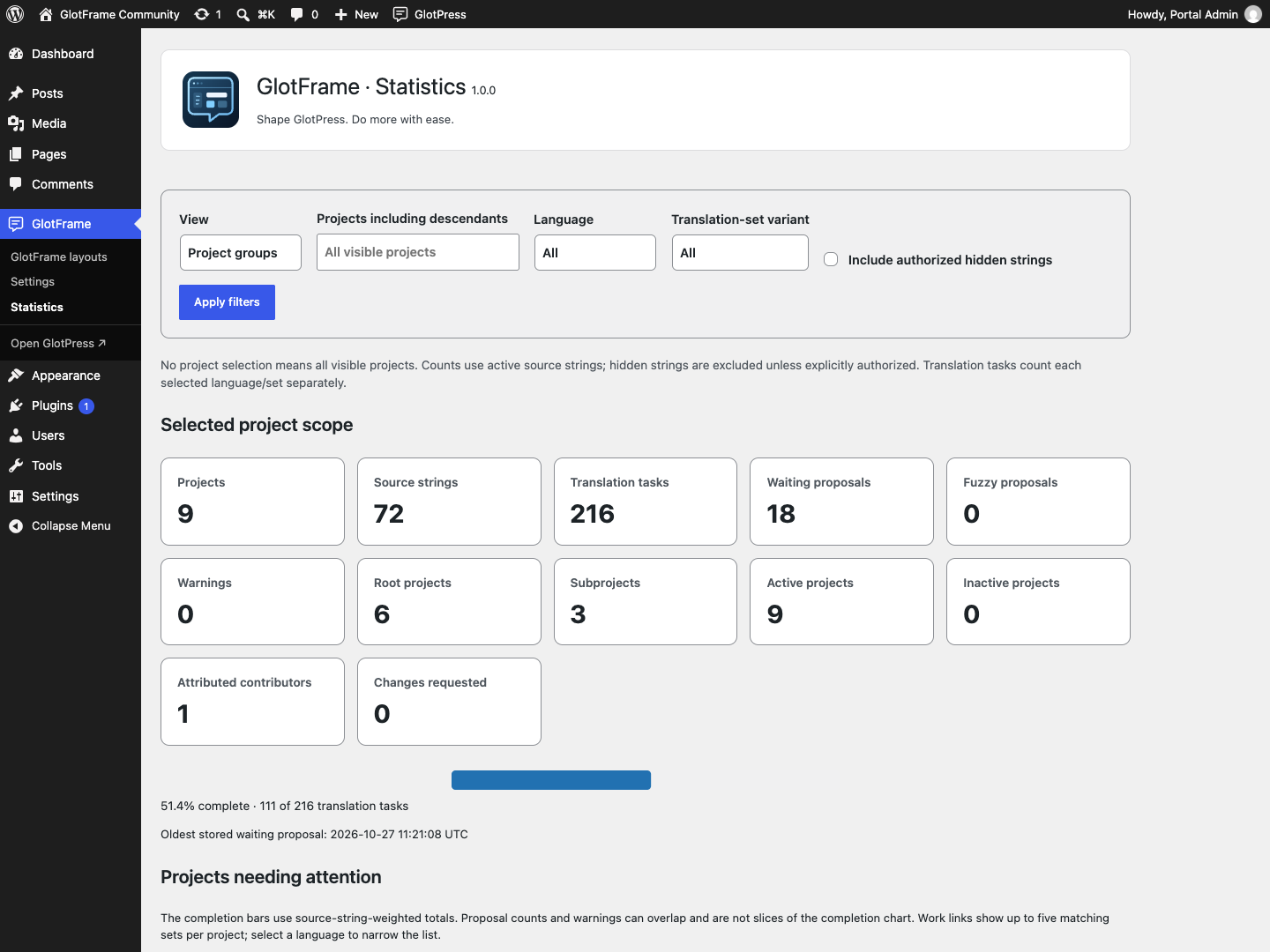
See translation progress at a glance
German with informal or formal address
Convenient administration, including Multisite
A LOOK INSIDE THE PLUGIN
See it in action.

- Check WordPress 6.4+, PHP 8.3+ and GlotPress 4.x. Choose a readable permalink structure in Settings → Permalinks; Plain is not supported by GlotPress.
- Install the GlotFrame ZIP through Plugins → Add Plugin → Upload Plugin and activate it. Use the packaged ZIP supplied with a release, rather than GitHub’s automatic source archive.
- Open GlotFrame → Settings. The three jump links lead to Frontend & Layout, Admin & Toolbar, and Data & System.
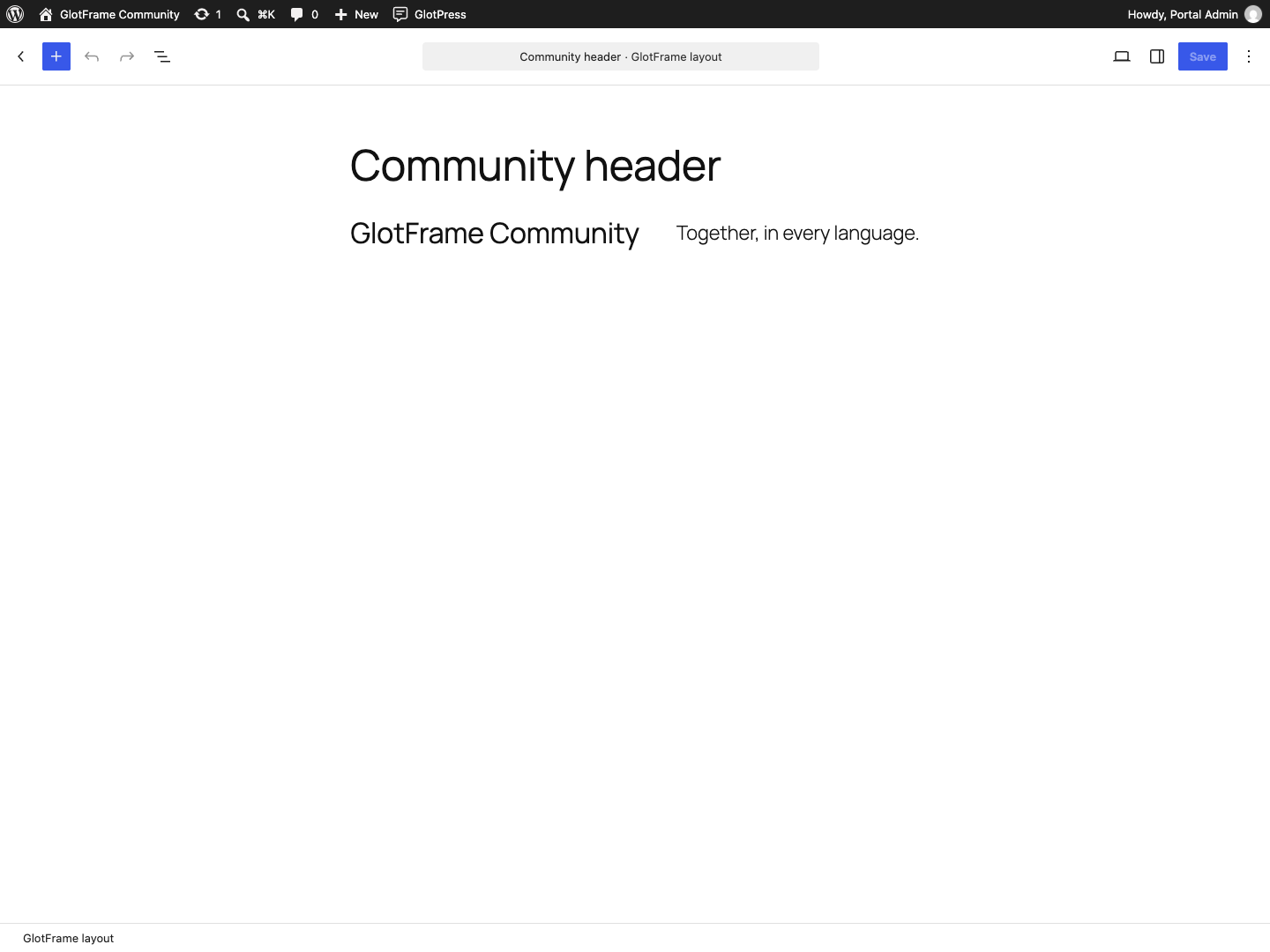
- Beside the content assignments, choose Create block layout. Add blocks, give the layout a title and publish it. Create separate layouts for the header and footer if needed.
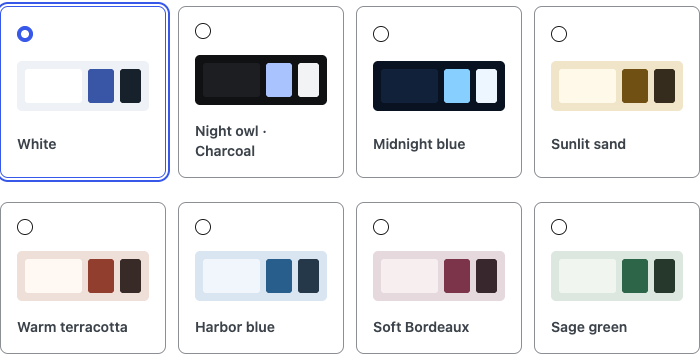
- Select the published layouts under Header, footer and content. Choose a preset, width and spacing. Enable GlotFrame and save.
- Use View GlotPress and check the project list, an individual language and the translation editor, including on a small screen.
Requirements & limits
Frontend features require GlotPress 4.x and readable permalinks. Without these requirements, settings and layouts remain available; dependent features pause without deleting data.
Create layouts with WordPress blocks. Content from Bricks, Elementor or other page builders is not supported.
GlotPress continues to manage translations, permissions and exports. Statistics show current progress and contribution records, not a complete activity history or quality ranking.
Do I need GlotPress?
Yes. The translation workspace requires active GlotPress 4.x and readable permalinks. GlotFrame can still be activated without GlotPress. Prepare and save settings and layouts while dependent features pause.
How do I create headers and footers?
Open GlotFrame → Settings → Header, footer and content. Create block layouts, publish them and assign them to the desired regions.
Does it work with my theme or page builder?
GlotFrame provides its own frame using WordPress blocks. Content created with Bricks, Elementor or other page builders is not supported as GlotFrame layouts.
Does GlotFrame change my translations?
No. Projects, translations, permissions, forms, downloads and API responses remain managed by GlotPress.
YOUR NEXT STEP
A good fit for your
WordPress?
SMALL STEPS. GOOD CHANGES.
What’s new?
VERSION1.0.0
Full changelog ↗Changes
- New: Initial release: block headers, footers and notice areas; seven layout patterns and five dynamic GlotPress blocks; boxed and full-width layouts with eight color presets, custom colors and backgrounds.
- Improved: Searchable project lists and grids, searchable parent-project selection, clearer translation and glossary tables, configurable toolbar navigation and placement, and optional portal homepage and URL path.
- Misc: Includes German informal and formal interface translations, current operator and personal statistics, layout management shortcuts, Site Health information and contextual WordPress Command Palette actions. Requires WordPress 6.4, PHP 8.3 and active GlotPress 4.x for workspace features; settings and layouts remain available when GlotPress is absent.
THE ESSENTIALS FOR YOUR WEBSITE
At a glance
- Version
- 1.0.0
- Released
- 27 October 2026
- WordPress
- 6.4+
- PHP
- 8.3+
- Guide
- Deutsch / English
- License
- GPL v2 or later
- Developer
- David Decker
FOR YOUR NEXT STEP
Documentation & help
Guides, answers and release histories are collected here in the documentation.