
Your content. Your calendar.
Combine your own door content with existing posts or pages. Give text, images and little surprises a place of their own.

INSPIRATION · WORDPRESS PLUGIN
TürchenzeitGive your visitors 24 little moments of Advent. With your stories, your images and a calendar that feels like you.
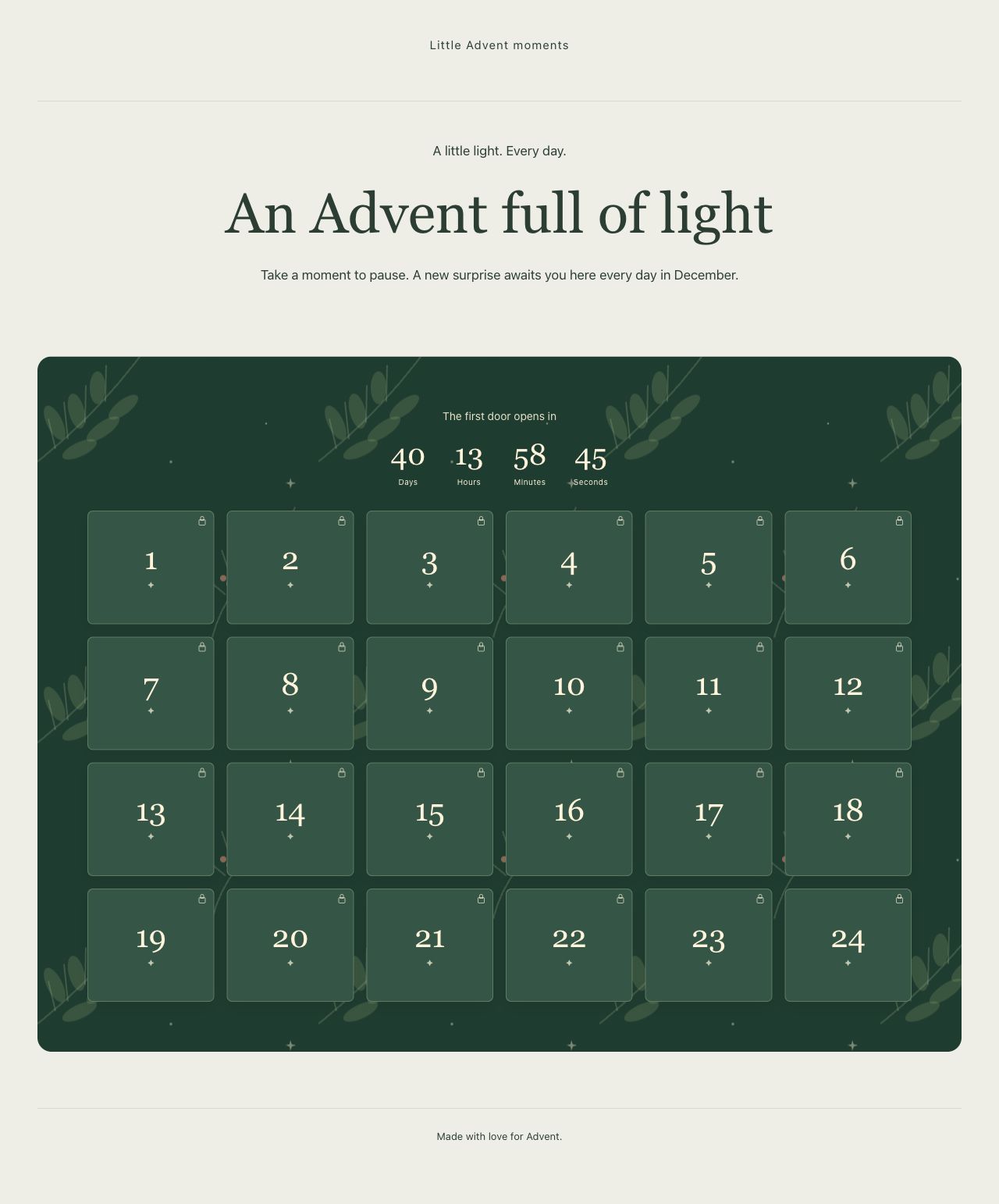
For stories. For people you love. For a special time of year.
MORE THAN A COUNTDOWN
Personal reflections, recipes, music or a community project: you decide what waits behind each door.
Combine your own door content with existing posts or pages. Give text, images and little surprises a place of their own.
Timed doors and an optional December countdown turn your website into a place to look forward to.
Six designs, your own accent colors and adjustable popups. Prepare new yearly editions with independent content.

PREPARE AT YOUR OWN PACE
The 24-door grid shows what is ready and what still needs attention. Preview future days privately before the first door opens for your visitors.
A FEW QUICK ANSWERS
Here are a few answers to get started. Find more in the documentation.
All questions & answers →Insert the calendar using its shortcode, or prepare an editable landing page made from standard WordPress blocks. Use it within an existing website or create a standalone Advent website.
Yes. Combine your own door content with existing posts and pages. See the documentation for differences in how access protection works.
Yes. Prepare an independent yearly edition and switch to the new published edition when it is ready. The guide explains each step.
Optional fonts are supplied locally. YouTube players inside doors load only after a click; YouTube then receives connection data. See the documentation for limitations regarding other media and the block editor.
SMALL STEPS. GOOD CHANGES.
THE ESSENTIALS FOR YOUR WEBSITE
FOR YOUR NEXT STEP
A good starting point. A quick answer. Or a direct connection to the project.