

WORDPRESS PLUGIN · DECKERWEB
Oxygen QuickNavOxygen QuickNavReach content and settings for Oxygen and Oxygen Classic.
Quick access to the content and settings you use every day, for Oxygen and Oxygen Classic. QuickNav chooses the active builder automatically and keeps its own settings available when the builder is inactive.
Version 2.1.0WordPress 6.7+PHP 8.1+
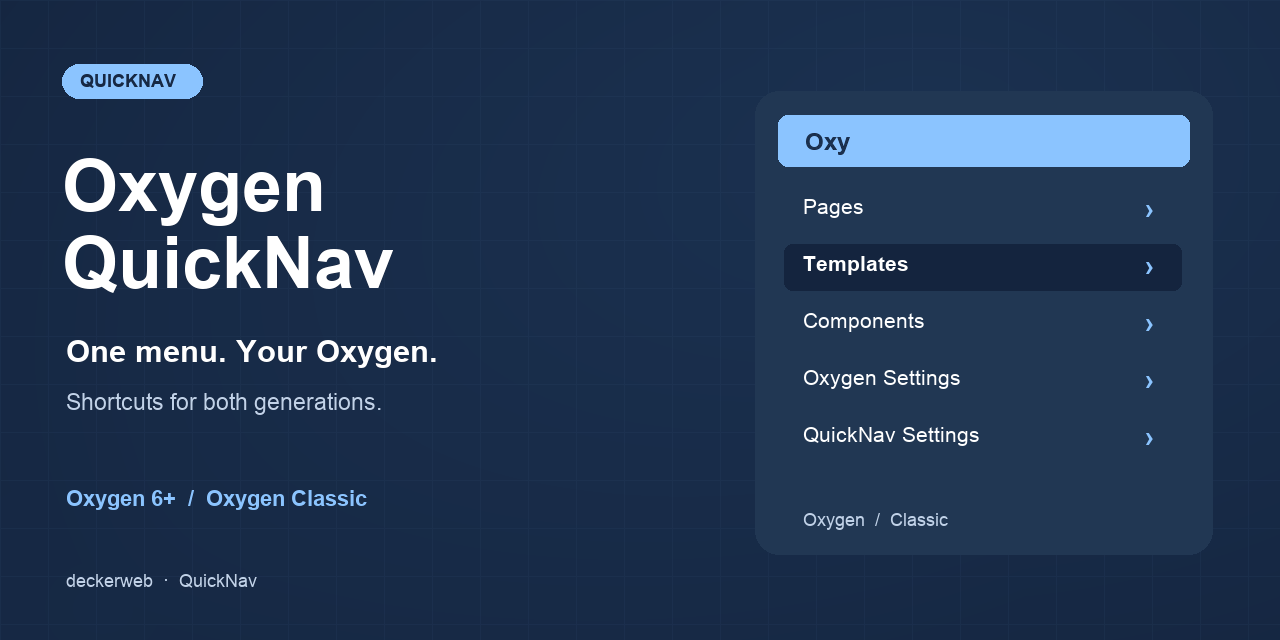
Small tools. For your everyday WordPress work.
WHAT’S INSIDE
Good to know.
Ready to use.
Pages, posts, and selected public custom post types; published content by default.
Templates, headers, footers, and components in Oxygen; templates and reusable parts in Classic. Classic also links directly to stylesheets and export/import tools.
Official add-on detection, form submissions, element management, and optional product navigation. Migration Mode is picked up automatically from registered settings tabs.
Website defaults, personal profile preferences, legacy constants, and permission-aware destinations.
Local English, German (Du), and German (Sie) resources, structured local history, and Multisite support.
- Install the oxygen-quicknav.zip test package under Plugins → Add New → Upload Plugin.
- Activate QuickNav alongside your supported Oxygen builder.
- Open Oxygen → QuickNav (or Settings → Oxygen QuickNav when Oxygen is inactive). Choose content types, groups, sorting, and visibility.
- Open Users → Profile for personal visibility and item-count preferences.
Does it choose the right Oxygen automatically?
Yes. The active builder determines data queries, categories, permissions, settings, and edit URLs. If both integrations are present, they receive separate submenus. This does not make otherwise incompatible vendor plugins coexist.
Why are there no separate headers and footers in Classic?
Classic stores templates and reusable parts in ct_template. QuickNav follows that structure instead of guessing a header or footer from its name.
Can editors use it?
An administrator can change the required toolbar capability. Each destination still checks WordPress and Oxygen permissions; changing QuickNav visibility does not grant builder access.
Can I show drafts, posts, or products?
Yes. Choose public content types and optionally unpublished content in the settings. Only editable items with builder data appear. Products require their registered post type and user permission.
YOUR NEXT STEP
A good fit for your
WordPress?
SMALL STEPS. GOOD CHANGES.
What’s new?
VERSION2.1.0
Full changelog ↗Changes
- New: QuickNav settings appear under the active Oxygen menu, with a WordPress Settings fallback when no Oxygen menu is available.
- Improved: Includes deckerweb Updater 2.2.1 and Library 1.1.0 with current host translations.
- Fixed: The local changelog remains hidden when closed and keeps a working documentation link if the dialog cannot open.
- Misc: Requires PHP 8.1 or later. The WordPress minimum remains 6.7.
THE ESSENTIALS FOR YOUR WEBSITE
At a glance
- Version
- 2.1.0
- Released
- 22 October 2026
- WordPress
- 6.7+
- PHP
- 8.1+
- Guide
- Deutsch / English
- License
- GPL v2 or later
- Developer
- David Decker
FOR YOUR NEXT STEP
Documentation & help
Guides, answers and release histories are collected here in the documentation.