

WORDPRESS PLUGIN · DECKERWEB
Portfolio ContentPortfolio ContentManage portfolio projects with categories and tags.
Your projects. Ready to share. A lightweight portfolio plugin by David Decker – DECKERWEB: create projects, organize your work and present it with your theme or builder.
Download Portfolio ContentVersion 1.3.2 · Plugin ZIP Direct ZIP download · no detoursView on GitHub ↗
Version 1.3.2WordPress 6.7+PHP 8.1+

Small tools. For your everyday WordPress work.
WHAT’S INSIDE
Good to know.
Ready to use.
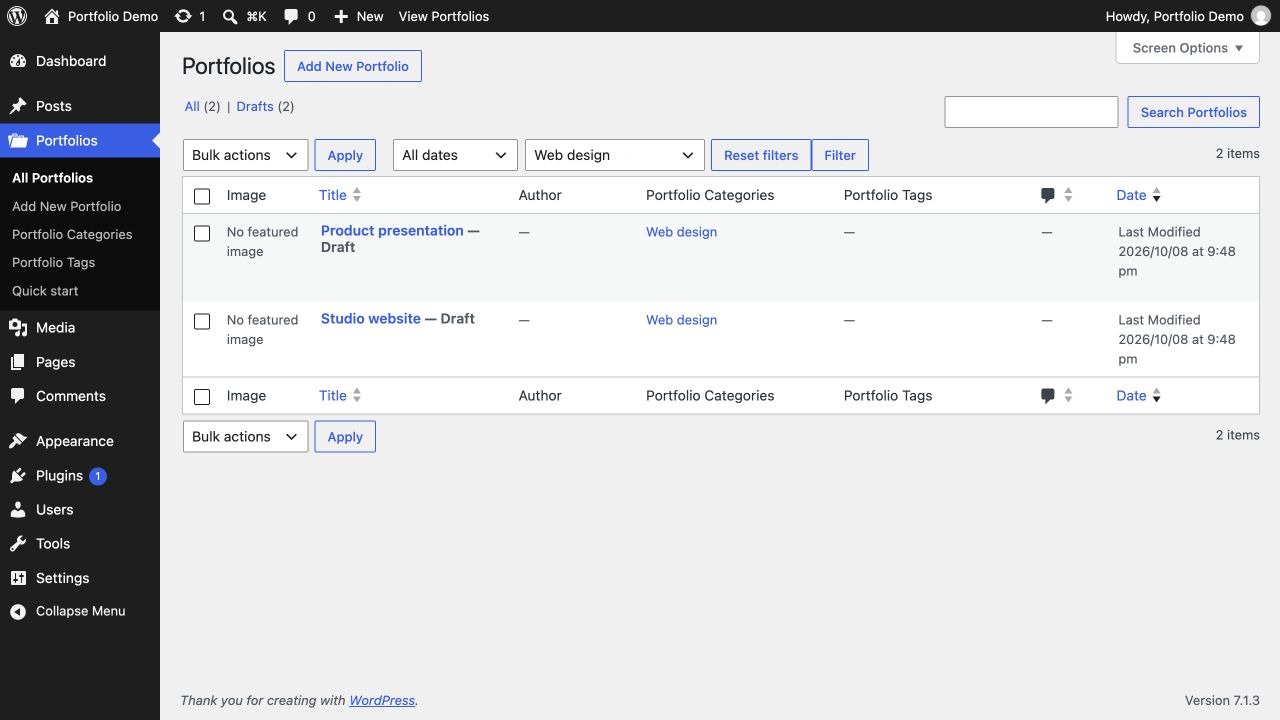
Featured-image previews and a category filter in the project list.
Optional editable project starter
challenge, approach, result and gallery.
Two native block patterns
project story and responsive project overview with pagination.
Bundled deckerweb GitHub Release Updater 2.2.1 and deckerweb Plugin Library 1.1.0.
English, German and formal German interfaces and localized update banners.
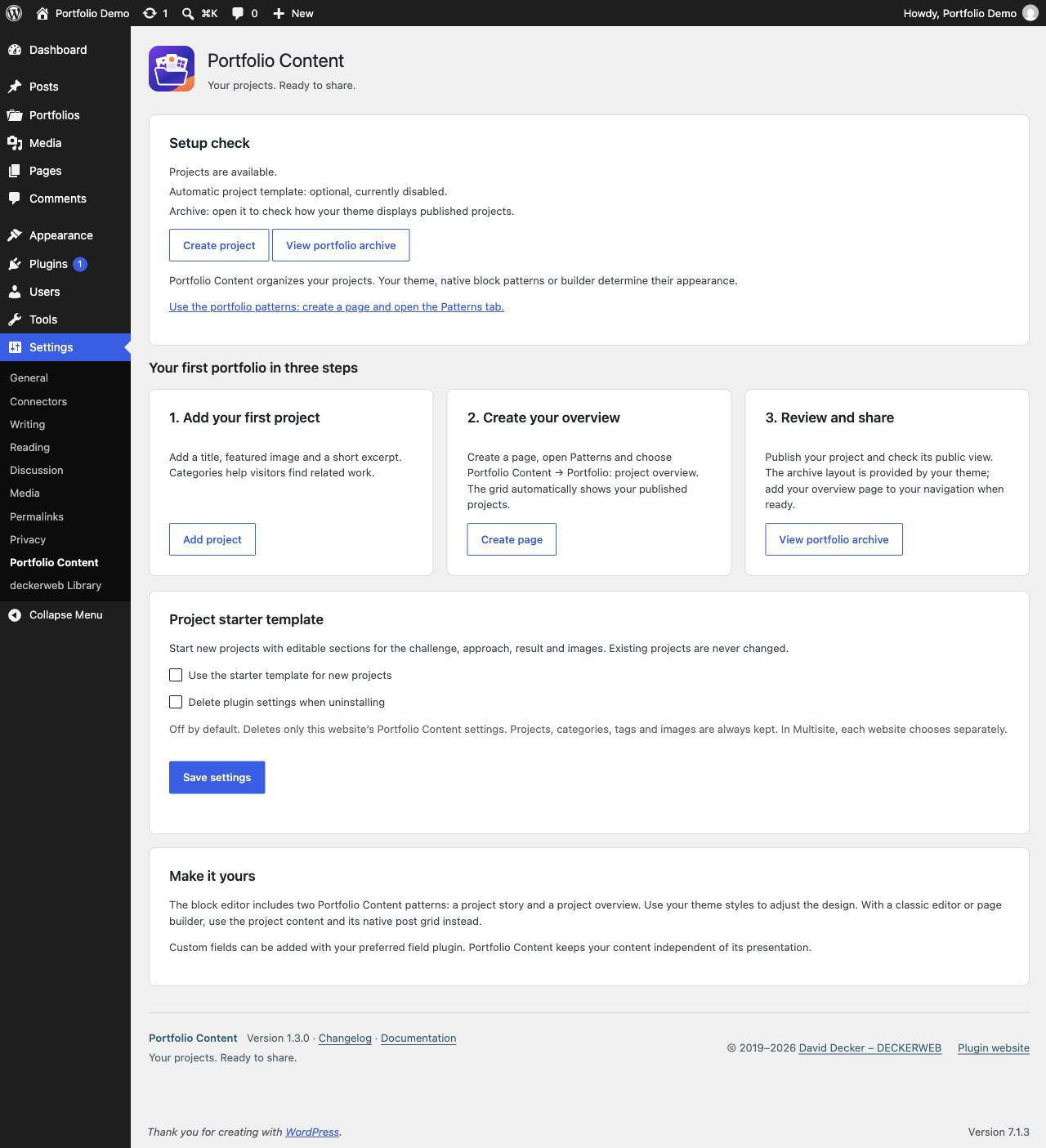
Setup check, manual starter insertion into empty drafts, clickable native category filters, filter reset and helpful empty states.

- Upload `portfolio-content-1.3.2.zip` under Plugins → Add New → Upload Plugin; activate it.
- Open Settings → Portfolio Content. Optionally enable the project starter.
- Add a project with title, featured image and excerpt; publish it.
- Create a page. In the block inserter's Patterns tab choose Portfolio Content → Portfolio: project overview.
- Publish the page and add it to your navigation.
Do I need a page builder?
No. The native block patterns work with the WordPress block editor. A builder can use the portfolio post type as a grid source.
Will it change my website design?
Your theme or builder controls the appearance. The plugin registers content and provides editable native patterns.
Does the starter change existing projects?
No. It is optional and only fills new empty automatic drafts.
How do I show my projects?
Create a page and insert Portfolio: project overview from the Patterns tab, or use the theme archive at /portfolio/.
YOUR NEXT STEP
Your work.With a place of its own.
Download Portfolio ContentVersion 1.3.2 · Plugin ZIP Direct ZIP download · no detoursView on GitHub ↗
Installation & first steps ↗SMALL STEPS. GOOD CHANGES.
What’s new?
VERSION1.3.2
Full changelog ↗Changes
- Fixed: Updated deckerweb Updater to 2.2.1; updates remain available beside an older loaded updater copy.
THE ESSENTIALS FOR YOUR WEBSITE
At a glance
- Version
- 1.3.2
- Released
- 23 October 2026
- WordPress
- 6.7+
- PHP
- 8.1+
- Guide
- Deutsch / English
- License
- GPL v2 or later
- Developer
- David Decker
FOR YOUR NEXT STEP
Documentation & help
Guides, answers and release histories are collected here in the documentation.